
Azure cloud cost optimization is the continuous process of aligning your Azure spending with actual workload demand to maximize business value and eliminate waste. For mid-market and enterprise organizations, unmanaged cloud spend compounds fast. The FinOps Foundation defines this discipline as a cross-functional practice combining financial accountability, engineering efficiency, and business alignment. Microsoft Azure’s own cost principles reinforce that optimization ties directly to business value, not arbitrary cuts. Getting this right requires both the right tools and the right organizational habits from day one.
What are the prerequisites for Azure cost optimization?
Centralizing cost visibility across all subscriptions and tenants is the non-negotiable first step. Without a unified view of billing data, you cannot identify waste, assign ownership, or build a credible business case for change. Azure Cost Management provides native aggregation, and third-party platforms extend that visibility across multi-cloud and SaaS estates.
Tagging is where most organizations stumble. A mandatory tagging schema covering five fields, specifically application, service, environment, owner_email, and cost_center, gives you the foundation for accurate cost allocation. Without enforced tags, chargeback and showback reporting are impossible. Cost ownership gaps follow, and spending becomes a shared problem that nobody owns.

Azure Policy closes the enforcement gap. Policies can deny resource deployments that are missing required tags, restrict VM sizes in non-production environments, and block regions outside your approved footprint. This is not optional governance. It is the mechanism that makes every downstream optimization effort stick.
Organizational readiness matters as much as tooling. Finance, engineering, and operations teams need agreed-upon definitions for what counts as waste, who owns each cost center, and how often reviews happen. Without that alignment, even the best tooling produces reports that nobody acts on.
| Prerequisite | What it enables |
|---|---|
| Centralized billing view | Unified spend visibility across subscriptions and tenants |
| Mandatory tagging schema | Accurate cost allocation and chargeback reporting |
| Azure Policy enforcement | Automated guardrails on deployments and resource configurations |
| Cross-team cost ownership | Accountability for spend at the team and product level |
| Review cadence agreement | Consistent optimization cycles rather than one-off audits |
Pro Tip: Start with Azure Policy in audit mode before switching to deny mode. This lets teams see what would be blocked without disrupting existing deployments, which dramatically reduces resistance from engineering.
Which execution strategies deliver the highest Azure cost savings?
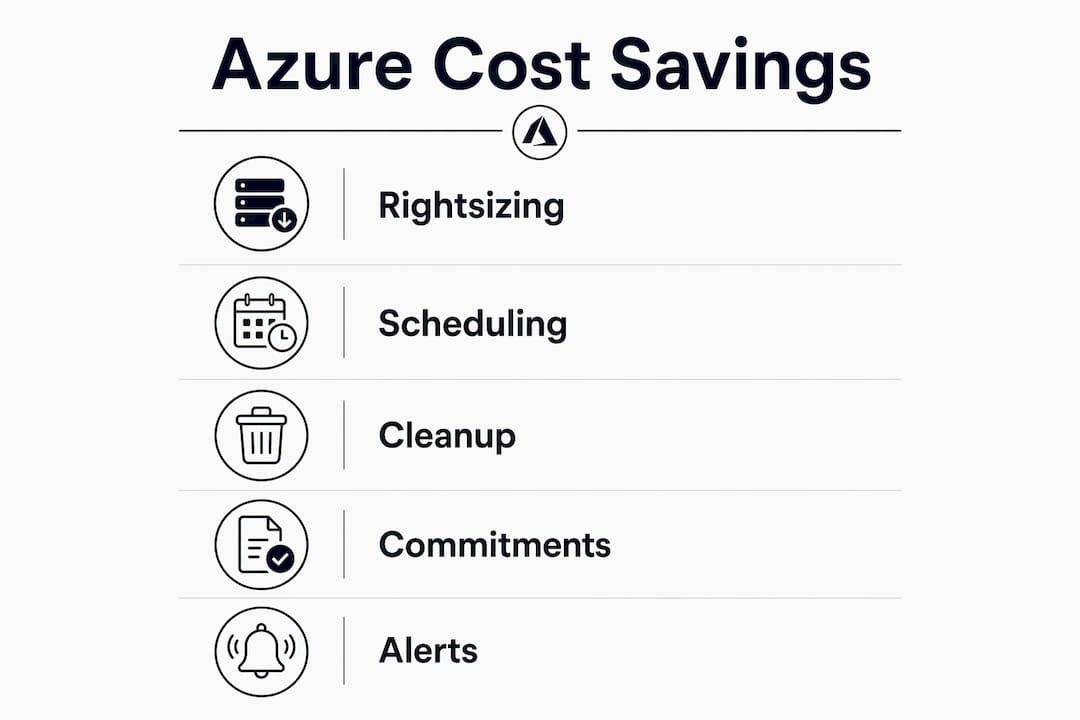
Rightsizing compute resources is the highest-return activity for most organizations. Telemetry on CPU, memory, and disk I/O over a 30–90 day window reveals which VMs are consistently underutilized. A VM running at 8% average CPU is not a performance asset. It is a billing liability. Downscaling those resources to the next appropriate size tier recovers real money without touching workload reliability.
Schedule non-production workloads
Non-production environments are the most overlooked source of waste in enterprise Azure estates. Dev, test, and staging environments typically run 24 hours a day, 7 days a week, even though engineers use them for 8–10 hours. Automating shutdowns after hours and on weekends can reclaim 20–40% of infrastructure costs in those environments. Azure Automation and Azure DevOps pipelines both support scheduled start and stop actions at scale.
Clean up idle resources regularly
Orphaned resources accumulate silently. Unattached managed disks, stale snapshots, unused public IP addresses, and abandoned load balancers all appear on your invoice every month. A monthly cleanup sweep using Azure Advisor recommendations removes this drag. Storage tiering and lifecycle policies move infrequently accessed data to lower-cost tiers automatically, which reduces long-term Azure storage expenses without manual intervention.
Build a commitment coverage strategy
Pay-as-you-go pricing is the most expensive way to run stable workloads. Azure Reservations and Savings Plans can reduce compute costs by up to 72% compared to on-demand rates. The key is basing commitment decisions on 6–12 months of usage data and workload stability analysis. Committing to capacity you do not use is just a different kind of waste. Spot VMs work well for fault-tolerant batch jobs and stateless workloads where interruption is acceptable.
Implement real-time alerts and anomaly detection
Daily budget alerts and anomaly detection on service usage let teams catch runaway costs before they become end-of-month surprises. Set alerts at 80% and 100% of monthly budget thresholds. Configure anomaly detection in Azure Cost Management to flag unusual spending patterns by service or resource group. Early intervention on a cost spike costs nothing. Ignoring it until the invoice arrives costs significantly more.
Enforce governance through Azure Policy and CI/CD integration
Azure Policy can deny deployments that violate cost controls, such as oversized VM SKUs in non-production or resources deployed without required tags. Integrating cost policy checks into CI/CD pipelines catches violations before they reach production. This shifts cost governance left, making it a development-time concern rather than a finance-team cleanup exercise.
Pro Tip: Use Azure Cost Management’s cost allocation rules to split shared infrastructure costs, such as networking and monitoring, across business units. This prevents shared services from becoming a black hole in your reporting.
How do you measure success in Azure cost optimization?
Defining the right metrics separates genuine progress from activity theater. Cost per service, cost per environment, and cost per business unit are the three baseline metrics every organization needs. These numbers tell you whether your optimization work is producing real reductions or just moving spend around.
Linking cloud costs to business KPIs takes measurement further. Express cost as cost per active user, cost per API call, or cost per gigabyte processed. These unit economics connect cloud spend directly to product performance, which makes the conversation with finance leadership far more productive than raw dollar figures.
Effective cost allocation is as much about organizational accountability as technical tagging. Without clear ownership, cloud spend becomes a shared problem that compounds quietly. Teams that cannot see their own costs cannot be held responsible for reducing them.
Common pitfalls to watch for include:
- Insufficient tagging coverage. Resources without tags cannot be allocated, which means waste hides in unattributed spend.
- Ignoring AI workload variability. AI workloads introduce unpredictable spikes during model training and inference experiments. Standard budgets and alerts need adjustment for this pattern.
- Skipping non-production scheduling. Teams that rightsize production but leave dev environments running 24/7 leave significant savings on the table.
- One-time optimization mindset. Cost optimization requires continuous review cycles that adapt as workloads change, not a quarterly audit followed by months of inaction.
Showback and chargeback reporting, enabled by your tagging schema, create the accountability loop that sustains results. When business units see their own cloud costs, behavior changes. That cultural shift is often worth more than any single technical optimization.
Key takeaways
Azure cloud cost optimization produces lasting results only when visibility, accountability, and continuous review work together as a system.
| Point | Details |
|---|---|
| Start with visibility | Centralize billing data across all subscriptions before attempting any optimization. |
| Enforce tagging via policy | Use Azure Policy to mandate tags at deployment; without this, cost allocation fails. |
| Schedule non-production workloads | Automating shutdowns after hours can recover 20–40% of non-production infrastructure costs. |
| Commit based on usage data | Use 6–12 months of telemetry before purchasing Reservations or Savings Plans. |
| Tie costs to business KPIs | Express spend as cost per user or per transaction to keep optimization aligned with value. |
What I’ve learned from watching Azure cost programs succeed and fail
Most Azure cost programs fail for the same reason. They start as a finance initiative and never become an engineering habit. The tools get configured, the dashboards get built, and then the reports sit in a shared inbox that nobody opens after the first month.
The organizations that actually reduce their Azure bills share one trait: they make cost a first-class metric in engineering reviews, not just a finance concern. When a team lead sees cost per deployment alongside latency and error rate, spending decisions change at the source. That is where the real leverage is.
AI workloads are making this harder. GPU compute and token consumption during model training can spike an Azure bill by a factor of ten in a single experiment. Standard budget alerts are not calibrated for that volatility. I have seen teams burn through a month’s compute budget in 72 hours during a training run, with no alert firing until the damage was done. Governing AI spend requires a different cadence and tighter anomaly thresholds than traditional VM workloads.
The other thing I would push back on is the instinct to start with commitment purchases. Reservations and Savings Plans are powerful, but committing before you have 6–12 months of stable usage data is a gamble. I have seen organizations lock into three-year reservations for workloads that were decommissioned eight months later. Rightsize first, schedule non-production workloads, clean up orphaned resources, and then commit. That sequence matters.
Cost optimization is not a project with an end date. It is a FinOps operating model that runs continuously alongside your engineering and finance cycles. The organizations that treat it that way are the ones that see compounding savings year over year.
— Dan
How Everythingcloud supports enterprise Azure cost management
Managing Azure costs at scale requires more than dashboards. It requires consistent execution across tagging, rightsizing, commitment strategy, and governance, month after month.
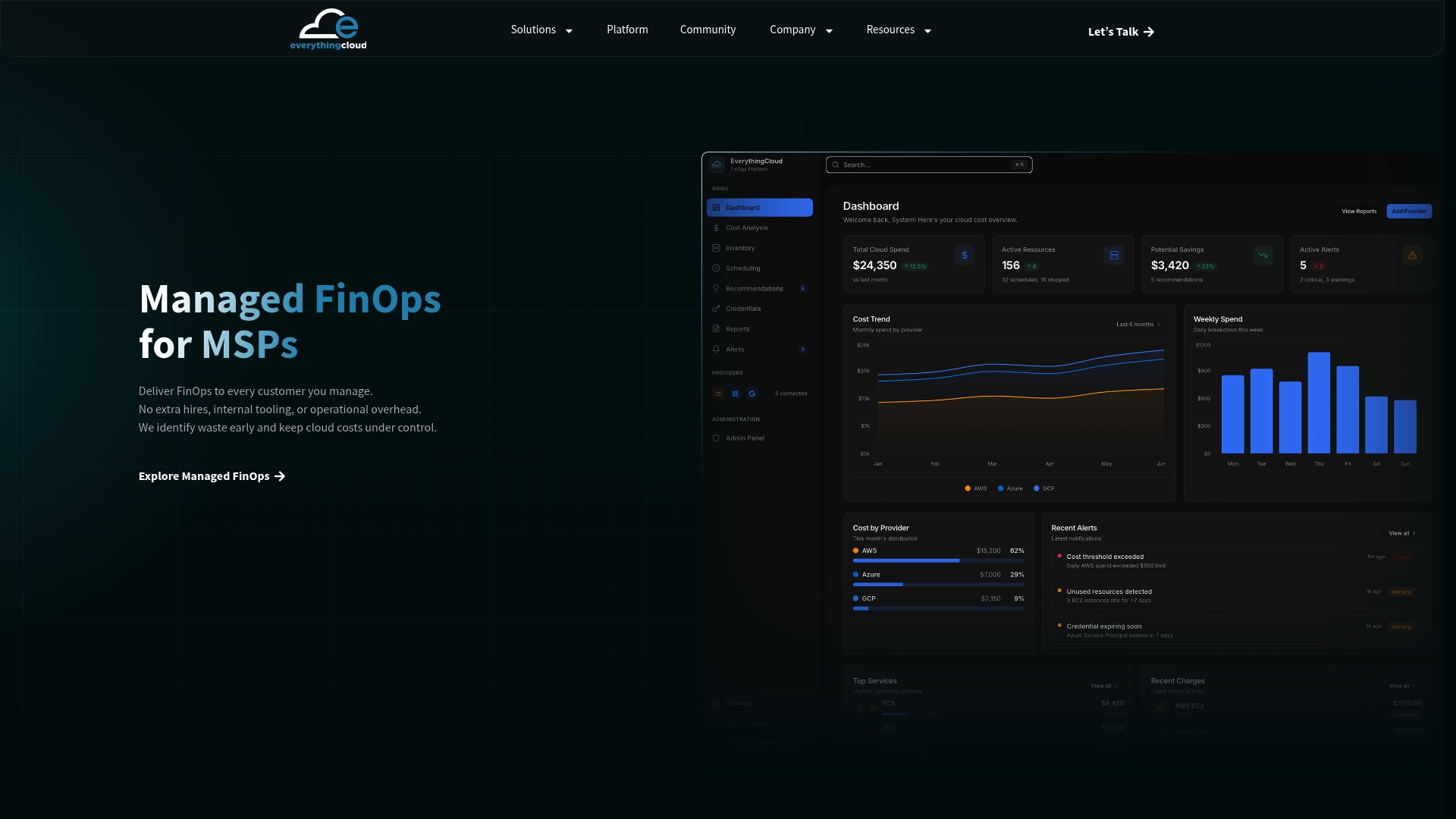
Everythingcloud’s Managed FinOps service gives mid-market and enterprise organizations a turnkey solution for exactly that. The platform provides real-time visibility across Azure subscriptions, enforces tagging and governance standards, identifies rightsizing opportunities continuously, and delivers expert recommendations that produce measurable reductions every month. For organizations managing complex Azure estates or growing AI workloads, Everythingcloud removes the operational burden of running a FinOps program in-house. You get the outcomes without building the function from scratch.
FAQ
What is Azure cloud cost optimization?
Azure cloud cost optimization is the practice of aligning Azure spending with actual workload demand to eliminate waste and maximize business value. It combines visibility, governance, rightsizing, and commitment strategies into a continuous operating discipline.
How much can Azure Reservations reduce compute costs?
Azure Reservations and Savings Plans can reduce compute costs by up to 72% compared to pay-as-you-go pricing. Optimal results require basing commitment decisions on 6–12 months of stable usage data.
How do I reduce Azure storage costs?
Switch infrequently accessed data to lower-cost storage tiers and apply lifecycle policies to automate tiering. Removing orphaned snapshots and unattached disks also eliminates recurring storage waste.
Why is tagging so critical for cost management in Azure?
Without a mandatory tagging schema enforced by Azure Policy, cost allocation by team, product, or environment is impossible. Chargeback and showback reporting both depend on consistent, complete tag coverage across all resources.
How often should Azure cost optimization reviews happen?
Cost optimization requires continuous review cycles, not quarterly audits. Monthly reviews of rightsizing recommendations, commitment utilization, and anomaly alerts keep spending aligned as workloads evolve.