
Non-production scheduling means automatically starting, stopping, and scaling dev, test, and staging resources on a defined calendar instead of letting them run 24/7. The right approach combines opt-in tagging, a cloud-native scheduler, a fast override for exceptions, and a handful of governance rules that keep the whole system honest. Done well, it typically cuts non-production compute spend by 50 to 70 percent within a single billing cycle. MSPs and FinOps teams that skip the override and governance layer usually see savings erode within a few months, or a platform can run the whole cycle for you.
TL;DR:
- Proper tagging of resources is essential for effective scheduling automation, with four key tags covering environment, schedule, team, and override flags.
- Overriding schedules should be easy to execute through familiar tools like Slack, portals, or CI/CD, with automatic expiration and audit logging to maintain governance.
- Storage costs from unattached disks and automatically restarting services like RDS and Aurora can significantly reduce overall savings if not properly managed.
- Cloud-specific scheduling tools, such as AWS EventBridge, Azure Automation, and GCP Cloud Scheduler, vary in complexity based on orchestration needs and desired simplicity.
- A phased deployment approach, starting with small tests and expanding gradually, helps prevent major disruptions and proves cost savings over time.
Table of Contents
- Which Non-Production Scheduling Patterns Actually Save Money?
- What Are the Best Scheduling Architectures for AWS, Azure, and GCP?
- How Should Tagging and Governance Work Together?
- How Do You Build Overrides Without Losing Governance?
- Why Do Scheduling Savings Fall Short of Projections?
- How Do You Roll Out Non-Production Scheduling Without Breaking Things?
- Everythingcloud: Managed Scheduling Without Building It Yourself
- What I’ve Learned Watching Scheduling Rollouts Succeed and Fail
- Where to Read More on Cloud Scheduling and Cost Controls
- Sources
Which Non-Production Scheduling Patterns Actually Save Money?
Most non-production waste comes from resources running when nobody is using them. The schedule template you choose determines how much of that waste you actually recover.
An office-hours schedule covers the common case: start resources at 7 AM, stop at 7 PM, weekdays only. A basic cron expression like 0 7 * * 1-5 for start and 0 19 * * 1-5 for stop handles this cleanly across most schedulers. That alone eliminates a significant portion of runtime per week out of the total available hours.
A nights, weekends, and holidays schedule pushes further:
- 24/7 always-on: 720 hours/month, full cost baseline
- Office-hours only (weekdays, 12 hours): about 260 hours/month, roughly 64% off
- Office-hours minus holidays and half-days: closer to 70% off in practice
On-demand schedules fit CI runners and nightly integration suites best. Nothing runs until a pipeline trigger fires, then the environment tears down automatically after the job completes. Scale-to-zero patterns apply to Kubernetes dev clusters and to database services like Aurora Serverless v2, which can drop to a minimum capacity unit rather than a full instance size when idle.
What Are the Best Scheduling Architectures for AWS, Azure, and GCP?
Every major cloud has a native path to non-production scheduling, and the right one depends on how much orchestration logic you need versus how much you want to keep simple.
- AWS: Pair Amazon EventBridge Scheduler with SSM Automation runbooks. EventBridge Scheduler triggers on cron expressions with timezone awareness and built-in retries, then hands off to an SSM Automation document that performs the actual start or stop against EC2, RDS, Redshift, or EKS node groups. Tag-based targeting means resources opt in rather than requiring a hardcoded resource list, and separating the scheduler’s IAM role from the automation role that holds start/stop permissions keeps the trigger itself from being over-privileged.
- Azure: Use VM auto-shutdown for individual instances, or Azure Automation runbooks for fleet-wide control. For teams juggling many dev/test subscriptions, DevTest Labs centralizes policy and quota enforcement instead of maintaining custom runbooks per team. One nuance that trips people up constantly: a deallocated VM stops compute billing, but a merely stopped VM does not, and the two states get confused in dashboards.
- GCP: Cloud Scheduler triggers a Pub/Sub message, which invokes a Cloud Function that performs the start/stop action. For straightforward fleets, instance schedules attached directly to a resource skip the pub/sub hop entirely.
- Kubernetes: Scale deployments and entire node pools to zero outside business hours, and run non-critical dev workloads on spot or preemptible capacity, which is one of the highest-ROI levers available when short interruptions are tolerable.
Cross-account deployment works best with least-privilege IAM roles scoped per account, and teams running short-lived experimentation environments should look at account recycling patterns rather than trying to schedule around a permanently shared sandbox. Partner guidance on sequencing SaaS workflow shutdowns is worth a look too, since databases and dependent application tiers need to stop in the right order or you get failed health checks the next morning.
How Should Tagging and Governance Work Together?
Scheduling only works at scale if resources are tagged consistently. A resource with no schedule tag either runs forever at full cost or gets caught by an overly aggressive default policy, both of which cause problems.
Four tags cover almost every scheduling scenario:
- Environment: dev, test, staging, or QA
- AutoSchedule (or Schedule): the template name, like
office-hoursornights-weekends - Team: for chargeback and accountability
- ScheduleOverride or KeepRunning: a flag that temporarily exempts a resource
Enforcement has to be automated, not aspirational. Azure Policy and AWS Config rules can flag or block untagged resources at creation time, and building the tag requirement directly into your infrastructure-as-code templates as a precondition stops the problem before it reaches production. Azure’s cost optimization guidance also recommends capping allowed SKUs and regions for non-production accounts and setting hard limits on autoscaling, since an unscheduled autoscaler in a test environment can quietly burn through a monthly budget in days.
Pro Tip: Consistent tagging pays off twice: it makes scheduling automation possible, and it turns your chargeback reports from a guessing game into something finance can actually trust.
How Do You Build Overrides Without Losing Governance?
The single fastest way to kill a scheduling program is making the override painful. If developers have to file a ticket to keep a staging environment running past 7 PM, they will spin up a shadow EC2 instance instead, and now you have lost visibility along with the savings.
Build the override into the same surface developers already use:
- A Slack command that sets a
KeepRunningUntiltag with an automatic expiry - A one-click portal button tied to the same expiring tag
- A temporary
KeepRunningflag that reverts to the default schedule after a set window
Every override should generate an audit log entry, and alerts about override usage belong in a Slack channel your team already watches, not on a pager that nobody wants to see fire at midnight. Tie overrides into your CI/CD pipeline and ticketing system so a scheduled test run never gets torn down mid-execution. None of this works without documentation. Teams that understand why the schedule exists override it far less than teams who only see it as an inconvenience imposed from above.
Why Do Scheduling Savings Fall Short of Projections?
Stopping compute is only half the savings equation. A stopped VM’s attached disk keeps billing whether the instance is running or not, so a fleet of stopped-but-never-cleaned volumes can quietly cancel out a third of your projected gains.
- Schedule periodic disk cleanup or right-size volumes attached to non-production instances
- Watch for RDS and Aurora instances that restart automatically after a maintenance window, silently undoing your stop schedule
- Aurora Serverless v2 has a minimum ACU floor, so “scale to zero” is not literal zero on that service
- Set snapshot lifecycle policies and sweep for orphaned resources like unattached elastic IPs and unused disks
Automating start and stop cycles for non-production resources cuts compute costs by roughly 50 to 70 percent, but that range assumes storage and snapshot cleanup happen alongside it. Skip the cleanup step and the realized savings land closer to the low end.
How Do You Roll Out Non-Production Scheduling Without Breaking Things?
A phased rollout protects you from the two failure modes that kill scheduling programs: breaking a critical test run in week one, or scaling too slowly to ever show measurable ROI.
- Pilot (weeks 1 to 2): Pick one small, non-critical account. Success means zero unintended stoppages and every scheduled resource starting reliably the next morning.
- Expand (weeks 3 to 4): Widen coverage to more resource types and accounts. Turn on tag enforcement and set up monitoring for override abuse, following the same phased approach AWS recommends for staged automation deployment.
- Scale (weeks 5 to 6 and beyond): Enforce organization-wide, assign clear automation ownership, and run regular audits so schedule drift gets caught before it compounds.
Track four numbers to prove the program is working: non-production spend as a percentage of total cloud spend (aim for under 25%, with anything above 40% usually recoverable), scheduling compliance across tagged resources (target 95%), off-hours utilization (it should sit near zero), and month-over-month savings visible in your billing console.
Everythingcloud: Managed Scheduling Without Building It Yourself
Everything above is buildable with native cloud tools, but building and maintaining EventBridge runbooks, Azure Automation scripts, and GCP Cloud Functions across a multi-cloud fleet is a real engineering commitment, one most MSPs and lean FinOps teams don’t have headcount to spare for.
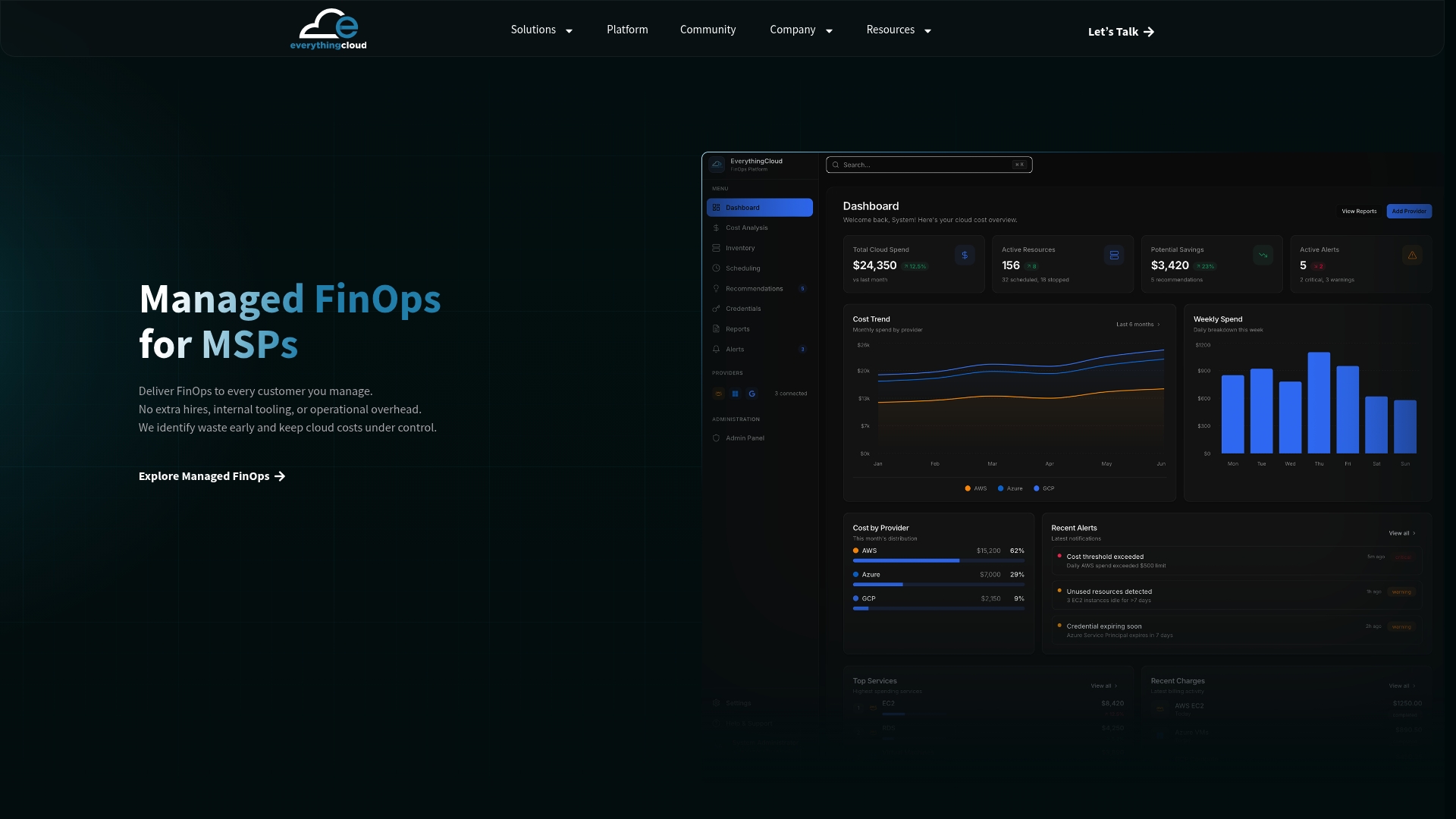
Some platforms run that layer as a continuous service instead of a one-time build, providing real-time visibility across AWS, Azure, Google Cloud, and SaaS spend, automating optimization actions once policies are approved, and adding multi-tenant controls needed to run scheduling as a managed service across client accounts. When you’re evaluating any managed option, check five things: cross-cloud coverage, override UX that developers won’t route around, audit logging on every schedule change, multi-tenant account controls if you’re an MSP, and reporting that ties savings back to specific accounts. If you want a faster path to the 50 to 70 percent range than a from-scratch build gets you in the same timeframe, start with a cloud waste assessment or explore the managed FinOps program for MSPs to see how the platform maps onto your existing account structure.
What I’ve Learned Watching Scheduling Rollouts Succeed and Fail
The technical part of non-production scheduling is the easy part. Every cloud provider gives you a working cron pattern in under an hour. What separates the rollouts that hold their savings for a year from the ones that quietly die by month three is almost always the override design.
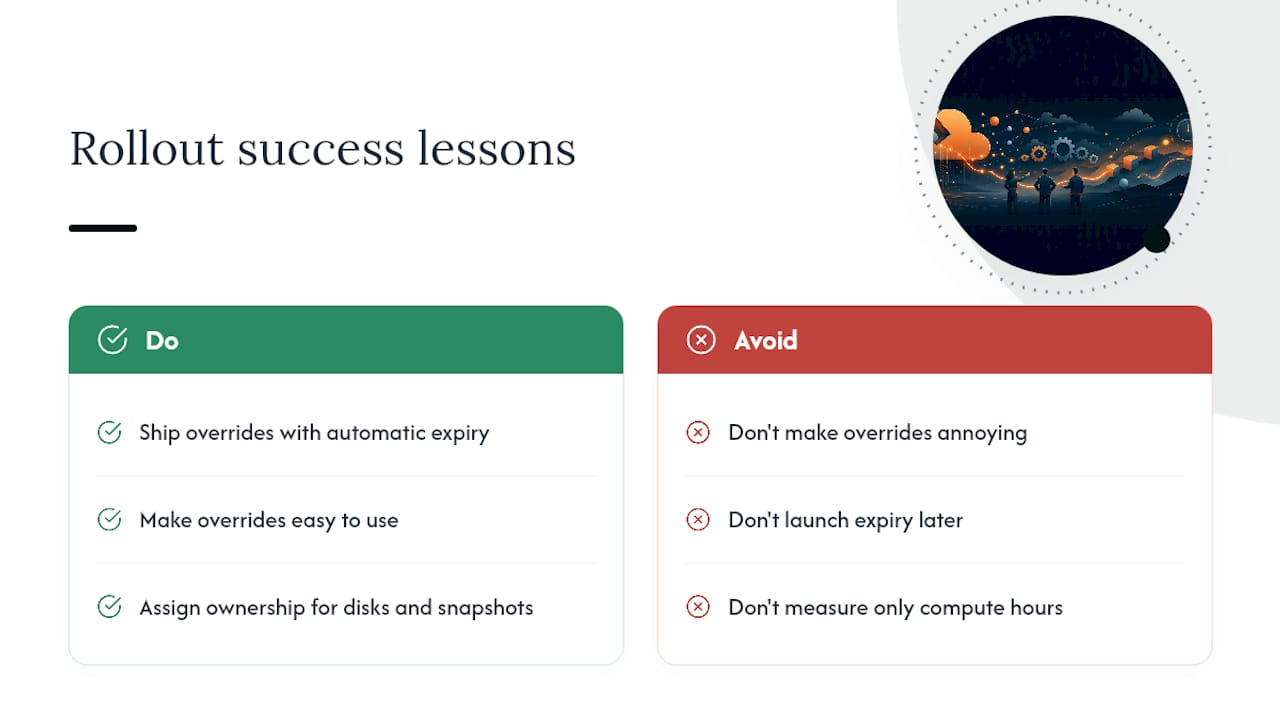
If the override is annoying, developers build workarounds, and workarounds are invisible to your dashboards until the bill arrives. Always ship the override with an automatic expiry from day one. Never launch it later as a “phase two” fix, because by then the shadow infrastructure habit is already set.
The other pattern I’d flag: teams measure savings only in compute hours and miss the storage residue sitting behind stopped instances. That gap between projected and realized savings is rarely the scheduler’s fault. It’s usually an unattended disk or snapshot policy nobody assigned to a team.
— Dan
Where to Read More on Cloud Scheduling and Cost Controls
For deeper technical detail, start with AWS’s EventBridge Scheduler and SSM Automation walkthrough for architecture, Azure’s Well-Architected cost optimization guidance for governance, and Everythingcloud’s own guides on Kubernetes cost optimization and S3 storage cleanup for the cleanup steps schedules alone won’t cover.
Sources
- Optimize cost by automating the start/stop of resources in non-production environments | AWS Architecture Blog
- Optimize environment costs | Azure Well-Architected Framework