
Kubernetes cost optimization is the practice of reducing cloud expenses by aligning resource requests, autoscaling behavior, and workload placement with actual usage data. Most teams overprovision by default, treating padding as a safety net. That habit is expensive. Usage-based rightsizing reduces provisioned compute spend by 30%–50% within a single billing cycle. The savings are real, repeatable, and achievable without sacrificing reliability. The challenge is that Kubernetes workloads and cloud prices both change constantly, so cost control requires ongoing discipline, not a one-time audit.
How do you monitor and gain visibility into Kubernetes costs?
Cost visibility is the foundation of every other optimization. Without it, you are guessing. The goal is to map cloud spend to specific Kubernetes constructs: clusters, namespaces, workloads, and teams.
Tagging is the most direct path to cost attribution. Labels on pods and namespaces let you slice spend by team, environment, or application. Annotations add context that labels cannot carry, such as cost center codes or ownership contacts. Without consistent labeling, cost data collapses into a single undifferentiated bill.

OpenCost provides open-source, real-time cost attribution at the workload and namespace level. It maps cloud pricing to actual resource consumption and surfaces efficiency scores per workload. Teams that deploy a cost attribution tool early catch waste before it compounds.
Observability itself carries a cost that most teams underestimate. High-frequency metrics scraping increases monitoring costs without proportional visibility gains. Scraping every 15 seconds across thousands of pods generates significant storage and ingestion costs.
Pro Tip: Use tiered scraping frequencies. Scrape critical system metrics every 15 seconds, application metrics every 60 seconds, and low-priority metrics every 5 minutes. This approach cuts observability costs materially while preserving the visibility that matters.
How to right-size Kubernetes resources to eliminate waste
Right-sizing is the highest-leverage action in Kubernetes resource management. The core problem is simple: developers set resource requests conservatively, nodes fill up with reserved but unused capacity, and your cloud bill grows.
Kubernetes distinguishes between requests and limits. Requests tell the scheduler how much CPU and memory a pod needs. Limits cap what it can actually consume. When requests are too high, the scheduler cannot pack pods efficiently. When limits are too low, pods get throttled or killed.
The right-sizing process follows a clear sequence:
- Collect usage data. Run workloads under representative load for at least two weeks. Pull P95 and P99 CPU and memory metrics from your monitoring stack.
- Set requests to P95 usage plus a 20% headroom buffer. This reflects real demand without excessive padding.
- Set limits at 1.5x to 2x the request value. This gives pods room to handle traffic spikes without starving neighbors.
- Apply changes incrementally. Update one deployment at a time and monitor for OOMKills or throttling events before proceeding.
- Use Vertical Pod Autoscaler in recommendation mode. VPA analyzes historical usage and suggests request values without automatically restarting pods. Review its output before applying changes.
Accurate resource requests improve scheduler bin packing, reduce OOMKills, and increase performance stability. The scheduler places pods on nodes more efficiently when requests reflect reality. That efficiency directly reduces the number of nodes you need to run.
Pro Tip: Never right-size in production without a rollback plan. Apply changes in staging first, run load tests, and confirm P99 latency holds before promoting to production.
What role does autoscaling play in Kubernetes cost optimization?
Autoscaling controls how many pods and nodes your cluster runs at any given moment. Misconfigured autoscalers are one of the most common sources of idle spend.
The Horizontal Pod Autoscaler scales pod count based on CPU, memory, or custom metrics. Common mistakes include setting the minimum replica count too high “just in case” and using CPU utilization thresholds that trigger scaling too early. A minimum of one replica per deployment during off-peak hours is often sufficient for non-critical workloads.
Cluster Autoscaler manages node count. Its default scale-down behavior is conservative. Reducing the scale-down-unneeded-time parameter from 10 minutes to 5 minutes cuts idle node time without harming reliability. That single change can meaningfully reduce your node bill during low-traffic periods.
Multiple node pools let you isolate workloads by resource profile. Batch jobs, memory-intensive services, and latency-sensitive APIs each have different scaling needs. Mixing them on shared node pools forces you to provision for the most demanding workload across the board.
Pod Disruption Budgets can block node scale-down when they are configured too conservatively. If a PDB requires all replicas to be available, the Cluster Autoscaler cannot drain the node. Audit your PDBs and set maxUnavailable to at least one for non-critical workloads.
Scheduled scaling pairs well with autoscalers for predictable traffic patterns. If your application sees a consistent spike every weekday morning, pre-scale before the spike hits. Reactive autoscaling always lags demand slightly. Scheduled scaling eliminates that lag for known patterns.
How to use Spot instances and reserved capacity for savings
Cloud pricing models offer two powerful levers that most Kubernetes teams underuse: Spot instances and reserved capacity commitments.
Spot or preemptible instances deliver 60%–90% discounts compared to on-demand rates. That discount comes with a trade-off: the cloud provider can reclaim the instance with short notice. The key is matching Spot instances to workloads that can tolerate interruption.
| Workload type | Spot/Preemptible fit | Recommended capacity model |
|---|---|---|
| Batch processing jobs | High | Spot instances |
| CI/CD pipeline runners | High | Spot instances |
| Stateless web services | Medium | Mixed Spot and on-demand |
| Stateful databases | Low | Reserved or on-demand |
| Latency-sensitive APIs | Low | Reserved capacity |
Mitigation strategies for Spot interruptions include setting pod disruption budgets, using multiple instance types in a node pool, and enabling graceful termination handlers that checkpoint work before shutdown. Kubernetes node affinity rules let you spread workloads across Spot and on-demand nodes automatically.
Azure Reservations deliver up to 72% savings on committed baseline compute compared to pay-as-you-go pricing. One-year and three-year commitments both qualify. The right approach is to reserve capacity for your predictable baseline load and use Spot for everything above it. That combination captures the deepest discounts across your entire workload profile. Tracking whether your discounts are actually being consumed is equally important. Teams that monitor discount usage avoid paying for commitments that go unused.
What ongoing governance practices keep Kubernetes costs under control?
Right-sizing and autoscaling deliver initial savings. Governance keeps those savings from eroding over time. Without guardrails, teams gradually drift back toward overprovisioning.
Namespace ResourceQuotas and LimitRanges cap total CPU and memory consumption per namespace. They prevent any single team or workload from consuming disproportionate resources. LimitRanges set default requests and limits for pods that do not specify their own, closing the most common gap in resource management.
Labeling policies enforce cost attribution at the source. Require every workload to carry labels for team, environment, and cost center before it can be deployed. Admission controllers like OPA Gatekeeper or Kyverno can reject unlabeled workloads automatically.
Regular audits surface idle workloads, orphaned ConfigMaps, and overprovisioned persistent volumes. Schedule a monthly review of workloads with CPU utilization below 10% over a 30-day window. Those are your best candidates for rightsizing or decommissioning.
Cost anomaly detection catches sudden spend spikes before they become billing surprises. Set budget alerts at 80% and 100% of your monthly target. Alert on week-over-week spend increases above 15% at the namespace level.
Pro Tip: Share savings metrics with the teams that generated them. A monthly “cost wins” summary posted in your engineering Slack channel builds a culture where developers treat cloud spend as their problem to solve, not just a finance concern.
Key Takeaways
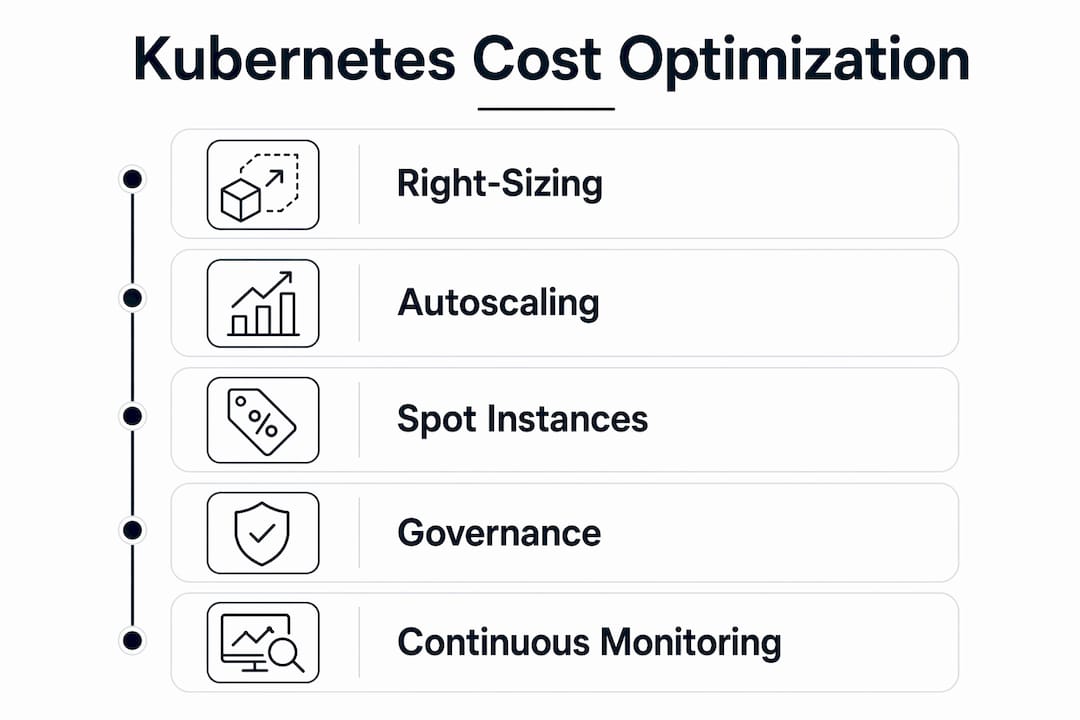
Effective Kubernetes cost management requires combining data-driven right-sizing, tuned autoscaling, cloud pricing commitments, and continuous governance to sustain meaningful savings over time.
| Point | Details |
|---|---|
| Right-size with real data | Set CPU and memory requests based on P95/P99 usage to cut compute spend by 30%–50%. |
| Tune autoscalers actively | Reduce Cluster Autoscaler scale-down intervals and audit PDBs to eliminate idle node costs. |
| Mix Spot and reserved capacity | Use Spot instances for interruptible workloads and Azure Reservations for baseline compute to maximize discounts. |
| Enforce namespace guardrails | Apply ResourceQuotas and LimitRanges to prevent cost drift across teams and environments. |
| Build a governance rhythm | Run monthly audits and share savings metrics to keep cost discipline alive across engineering teams. |
What I’ve learned from watching Kubernetes bills grow quietly
The most expensive Kubernetes mistake I see consistently is not overprovisioning. It is the assumption that overprovisioning is a one-time problem you fix and move on from.
Teams right-size their workloads, see the bill drop, and then declare victory. Six months later, new services get deployed with default resource requests copied from old templates. Developers add padding “to be safe.” The bill creeps back up. Nobody notices until the next quarterly review.
The real discipline is treating cost as a continuous signal, not a periodic report. When you wire cost attribution into your deployment pipeline and surface namespace spend in your team dashboards, engineers start making better decisions by default. They do not need a FinOps team to tell them their service is expensive. They can see it themselves.
I have also seen teams get burned by over-aggregating metrics. Cluster-level cost summaries hide the workloads that are actually driving spend. Always drill to the namespace and workload level before drawing conclusions. A single misconfigured batch job can account for 30% of a cluster’s bill while looking invisible in aggregate.
The collaboration between DevOps, FinOps, and application developers matters more than any single tool. Tools surface the data. People make the decisions. The FinOps insights that stick are the ones that reach developers in their normal workflow, not in a separate cost review meeting they attend reluctantly.
Start with right-sizing. Add autoscaler tuning. Layer in Spot and reserved capacity. Then build the governance layer that keeps it all from drifting. Each step builds on the last, and each one is reversible if something goes wrong.
— Dan
How Everythingcloud supports Kubernetes cost management
Managing Kubernetes costs at scale requires more than periodic audits. It requires continuous visibility, automated detection, and expert guidance that keeps pace with your workloads.
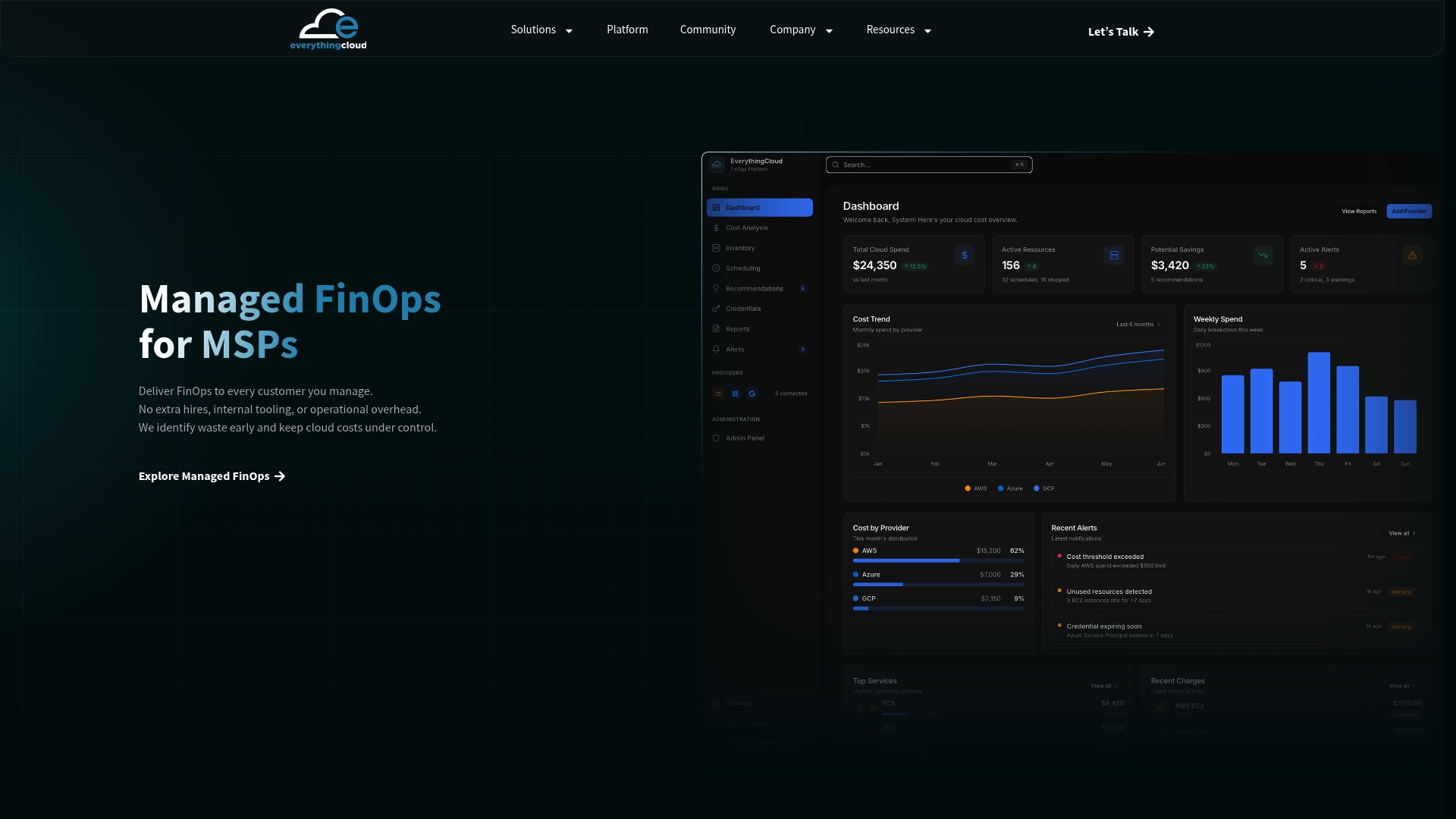
Everythingcloud provides real-time cost attribution across AWS, Azure, and Google Cloud, including Kubernetes environments. The Everythingcloud platform maps spend to clusters, namespaces, and workloads so your teams always know where money is going. The Managed FinOps service operationalizes ongoing governance, from anomaly detection to monthly optimization reviews, with enterprise-grade security and compliance built in. If you want Kubernetes cost control that does not require a dedicated internal FinOps team to sustain, Everythingcloud is built for exactly that.
FAQ
What is Kubernetes cost optimization?
Kubernetes cost optimization is the practice of aligning pod resource requests, autoscaling configuration, and workload placement with actual usage data to reduce unnecessary cloud spend. It is an ongoing process, not a one-time fix.
How much can right-sizing reduce Kubernetes costs?
Usage-based right-sizing reduces provisioned compute spend by 30%–50% within a single billing cycle. The savings come from improved scheduler bin packing and fewer idle node hours.
What are the best tools for Kubernetes cost monitoring?
OpenCost is the leading open-source option for real-time cost attribution at the workload and namespace level. Enterprise platforms add anomaly detection, budget alerts, and automated optimization recommendations on top of that baseline visibility.
When should I use Spot instances in Kubernetes?
Use Spot or preemptible instances for batch jobs, CI/CD runners, and stateless workloads that can tolerate interruption. They deliver 60%–90% discounts compared to on-demand rates, making them the highest-return pricing lever for interruptible compute.
How do ResourceQuotas help control Kubernetes costs?
Namespace ResourceQuotas cap total CPU and memory consumption per namespace, preventing any team or workload from consuming disproportionate resources. Combined with LimitRanges, they enforce cost guardrails at the point of deployment.