
The right approach pairs a reserved core baseline with elastic cloud capacity, sized around inference realities rather than raw GPU counts. Before you commit to any hardware, collect three numbers: daily active users and concurrency, token-length distribution and cache hit rate, and per-model memory footprint with per-replica goodput. Then implement fragmentation-aware scheduling and reserve your highest-end nodes exclusively for training jobs that need full-node topology. That single move stops the slow bleed of stranded, unusable GPU capacity.
TL;DR:
- Capacity planning should start with workload-specific metrics such as active users, token distribution, and cache hit rates, rather than a hardware wish list.
- Inference capacity heavily depends on KV cache configuration and routing strategies, making them more impactful than simply adding GPUs.
- Training workloads require full-node NVLink connections and adaptive scheduling to optimize throughput within fixed time frames, unlike inference which is cache and workload-dependent.
- Continuous monitoring and automated rightsizing are essential to keep GPU capacity aligned with shifting workloads and avoid stale forecasts.
- Quantization offers the fastest reduction in GPU memory footprint, often enabling a switch to a less costly GPU tier with no retraining needed.
Table of Contents
- What Metrics Actually Drive GPU Capacity Planning?
- How Should You Size GPU Capacity for Training Jobs?
- What Makes Inference Capacity Planning Different?
- Should You Buy, Reserve, or Rent GPU Capacity?
- How Do You Reduce GPU Fragmentation and Scheduling Waste?
- How Do You Forecast Volatile GPU Demand?
- Which Optimization Levers Cut GPU Footprint Fastest?
- How Does Continuous Monitoring Change GPU Capacity Planning?
- A Practitioner’s Take on Why Capacity Planning Fails
- Getting Continuous GPU Capacity Optimization Without Building It Yourself
- Sources
- FAQ
What Metrics Actually Drive GPU Capacity Planning?
Most capacity plans fail because they start with a hardware wish list instead of a workload profile. The order matters. You measure demand first, then translate it into memory and compute requirements, and only then price out the infrastructure.
Start with daily active users (DAUs) and requests per DAU, since that ratio sets your baseline concurrency. From there, layer in your token-length distribution, because a chatbot averaging 200 tokens per response behaves nothing like a code-generation tool averaging 4,000. Cache hit rate matters just as much: a service that reuses prompt prefixes 60% of the time needs a fundamentally different memory allocation than one seeing mostly novel requests.
Your latency targets, specifically time-to-first-token (TTFT) and inter-token latency, set the ceiling on how much load each GPU can absorb before violating your service-level objective.
On the model side, three numbers matter most:
- Weights footprint, which scales with parameter count and precision.
- Activation peaks during prefill, which spike memory usage well above steady-state decode.
- KV cache size per session, which grows with context length and concurrent users.
Collect these through load-testing benchmarks against your actual endpoints, not synthetic vendor numbers. Instrument your inference routers and backends to log per-request prefill cost, decode duration, and memory watermarks. Once you have those, you can calculate per-replica goodput, the useful throughput a single GPU replica sustains once you account for retries, preemptions, and SLO violations. That figure, not theoretical peak FLOPs, is what tells you how many replicas you actually need.
How Should You Size GPU Capacity for Training Jobs?
Training capacity planning runs on a different logic than inference. You’re solving for throughput over a fixed compute budget and time window, not for concurrent request handling.
The inputs you need: total FLOPs for the training run, per-step memory consumption, your target completion window, and how many training jobs will compete for the cluster simultaneously. Large model training frequently requires NVLink-connected, full-node allocation because gradient synchronization across GPUs generates heavy interconnect traffic. Split a job across nodes with weaker interconnect and you’ll bottleneck on communication instead of compute, no matter how many GPUs you throw at it.
This is also where co-adaptive scheduling pays off. Research on the Pollux scheduler shows that jointly tuning batch size and resource allocation, rather than fixing them in advance, cut average job completion time substantially in testbeds compared to static allocation. The lesson for capacity planners: don’t lock in a rigid GPU count per job. Build headroom for the scheduler to reallocate as batch size and gradient accumulation settings shift mid-run.
Your operational checklist for training capacity:
- Reserve topology-sensitive, high-end nodes for jobs that genuinely require full-node NVLink.
- Pack smaller, less demanding jobs onto shared infrastructure using MIG partitioning or time slicing.
- Size CPU-to-GPU ratios deliberately. Data preprocessing bottlenecks on the CPU side frequently stall GPU utilization even when GPU memory looks fine on paper.
- Track goodput per job, not just raw GPU-hours consumed.
Pro Tip: *Run a quick audit of your last five training jobs and check what percentage of allocated GPU-hours were spent waiting on CPU-bound data loading.
What Makes Inference Capacity Planning Different?
Inference sizing lives and dies on KV cache behavior, not GPU count. This is the single biggest mistake teams make when they carry training-style thinking into production inference planning.
The KV cache stores attention keys and values for every active session, and it grows linearly with context length and concurrent users. Three parameters control it directly: buffer_size_gb sets the total memory pool reserved for cache, block_size_tokens determines allocation granularity, and prefix caching (enable_prefix_caching) lets overlapping prompts share cache entries instead of duplicating them. Configuring these cache parameters correctly often has more impact on effective capacity than adding GPUs, as described here.

Routing decisions add another layer of complexity. KV-aware routers use a cost function that weighs cache reuse against load balancing, typically expressed as a combination of prefill blocks and decode blocks. Adjusting the overlap_score_weight parameter shifts that balance: raise it for prefill-heavy workloads to cut TTFT, lower it for decode-heavy workloads to reduce inter-token latency, and use router_temperature to spread load when you see hot-spotting on specific replicas, as explained in the router guide.
Increasingly, production architectures disaggregate prefill and decode into separate pools, since prefill is memory-and-compute-intensive while decode is more about sustained throughput. That means your capacity plan needs two different sizing exercises, not one.
A simplified way to estimate core GPU count for inference:
- Multiply DAUs by average concurrent sessions per user to get peak concurrency.
- Multiply peak concurrency by average prefill token cost, adjusted downward by your measured cache hit rate.
- Divide that adjusted load by your benchmarked per-replica goodput to get required replica count.
- Add a buffer based on your P95 traffic variance, not the average.
A cache hit rate improvement from 20% to 50% can reduce effective prefill compute demand by roughly a third for prompt-heavy workloads, which is often cheaper to achieve through better prefix caching configuration than through additional hardware.
Should You Buy, Reserve, or Rent GPU Capacity?
The core-and-flex model is the practical answer for most mid-to-large AI organizations. You reserve or own enough capacity to cover your steady-state baseline, then use cloud elasticity to absorb bursts. NVIDIA’s own sizing guidance frames this the same way: a core baseline for predictable load, paired with on-demand or spot capacity for spikes, tends to beat either pure on-prem or pure cloud-on-demand on total cost of ownership.
Your options break down like this:
- Committed use or reserved instances for your baseline. Lower per-hour cost in exchange for a lock-in period.
- On-demand cloud capacity for near-term bursts when you need guaranteed availability but can’t commit long-term.
- Spot capacity for interruption-tolerant batch or training workloads where a preemption just means a checkpoint restart.
Reservation lead times matter more than most teams plan for. Guaranteed GPU capacity at scale often requires multi-week reservation windows with your provider, so your forecast needs to run that far ahead of your actual need. Size your committed core against your P50 to P75 demand, and lean on flex capacity for everything above that. A team running a steady 200 GPU baseline for production inference, with bursts to 320 during peak hours, might commit to 220 reserved units and cover the remaining 100 with a mix of on-demand and spot, cutting exposure to both idle waste and availability risk. Reviewing committed-use discount structures before locking in terms avoids overcommitting on a forecast that hasn’t been stress-tested.
How Do You Reduce GPU Fragmentation and Scheduling Waste?
GPU fragmentation happens when small, oddly-shaped resource requests leave gaps too small for the next job but too big to ignore.
The fix has a name and a measured result. Fragmentation Gradient Descent (FGD) scheduling, which places jobs to minimize fragmentation rather than just filling the nearest available slot, reclaimed a large portion of previously unallocatable GPUs in large emulated clusters. That’s not a marginal tuning gain. That’s roughly half of your “wasted” capacity becoming usable again with a scheduling policy change instead of a purchase order.

Pair fragmentation-aware placement with a reserving-and-packing policy: hold back specific high-end, topology-complete nodes exclusively for large training jobs, while packing everything else, inference replicas, smaller fine-tuning jobs, batch workloads, onto shared infrastructure using the webAI Partnership — The Sovereign AI Platform Behind Forge Deployments. This single policy shift reduces queueing for the jobs that genuinely need full-node allocation, since they’re not competing with fragments left behind by smaller requests.
Your operational monitoring checklist:
- Track allocation rate: the percentage of submitted jobs placed without manual intervention.
- Watch failed-placement counts as a leading indicator of fragmentation building up.
- Monitor queue depth by job size category, not just in aggregate.
- Set goodput-driven auto-scaling triggers rather than raw utilization thresholds, since utilization alone hides fragmentation.
Pro Tip: If your failed-placement rate for large jobs climbs while aggregate cluster utilization looks healthy, that gap is fragmentation, not capacity shortage. Adding GPUs won’t fix it. A placement policy change usually will.
How Do You Forecast Volatile GPU Demand?
Monolithic forecasting, projecting a single aggregate demand curve for your entire GPU fleet, tends to smooth out exactly the spikes that cause the worst capacity failures. Averaging across tenants and model families hides the burst behavior that actually breaks your SLOs.
A compositional approach fixes this by decomposing demand into primitives before modeling it. Research on primitive-based forecasting (PRISM) shows that breaking aggregated GPU demand into interpretable signals by tenant and model family meaningfully reduces error during burst phases compared to aggregate models, because it preserves the peak shape instead of averaging it away.
A practical forecast-validation loop:
- Decompose your telemetry by tenant, model, and workload type instead of one blended time series.
- Model each primitive independently, since a code-assistant tenant and a customer-support chatbot tenant have different burst signatures.
- Validate every model against held-out historical traces before trusting it for provisioning decisions.
- Translate the validated forecast into buffers sized off P95 or P99 demand, not the median, for anything customer-facing.
Set autoscale triggers tied to your forecast error bands, not fixed thresholds, and re-validate the model on a fixed cadence, monthly at minimum for fast-growing services, to catch drift before it turns into an outage.
Which Optimization Levers Cut GPU Footprint Fastest?
Quantization is almost always the fastest win available to a capacity planner. Moving model weights from FP16 to FP8 or INT8 can roughly halve weight memory with no retraining required, and that reduction frequently lets you drop an entire GPU tier for the same workload. It’s the first lever to pull, not the last.
Pruning and distillation deliver larger long-term gains but demand real engineering investment: retraining cycles, quality validation, and regression testing against your production traffic patterns. Reserve these for models where the volume justifies the effort, not for every service in your fleet.
Beyond the model itself, infrastructure-level tuning often closes the gap faster than any model change:
- Tightening router parameters to improve cache reuse reduces prefill load directly.
- Improving cache hit rate through better prefix caching configuration lowers memory pressure per replica.
- CUDA-graph optimizations reduce kernel launch overhead on the decode path.
Fifty percent memory reduction from quantization is common enough that it should be the default first step in any capacity review, evaluated before any hardware expansion request gets approved.
Roll out any optimization in stages: benchmark the change in isolation, validate output quality against your production baseline, measure the actual TCO impact over at least a week of real traffic, then expand progressively rather than flipping it fleet-wide on day one.
How Does Continuous Monitoring Change GPU Capacity Planning?
Capacity plans built once a quarter go stale fast when token consumption and GPU pricing shift weekly. Closing that feedback loop is where continuous optimization earns its keep.
A practitioner playbook for keeping capacity plans current includes:
- Automated reservation tracking that flags underused committed capacity before renewal.
- Anomaly detection on GPU spend and utilization to catch drift between forecast and reality early.
- Automated rightsizing recommendations tied to measured goodput, not just raw utilization percentages.
- Recurring reporting artifacts: a capacity dashboard, a reserve-utilization tracker, and a benchmark history that shows how each optimization actually performed against the prior baseline.
Everythingcloud’s platform approach applies this same discipline to cloud, SaaS, and AI spend broadly, verifying savings against invoice-level billing rather than estimated projections, so the capacity model reflects what actually happened, not what a spreadsheet predicted.
A Practitioner’s Take on Why Capacity Planning Fails
The biggest mistake I see in GPU capacity planning isn’t undersizing. It’s treating capacity as a purchasing decision made once a quarter instead of an operational discipline measured weekly. Teams that get this right treat every reservation, every routing parameter, and every quantization rollout as a hypothesis to be tested against real telemetry, not a one-time configuration.
The takeaway is simple: measure goodput and cache hit rate before you measure GPU count, and build your scheduler and forecasting loop to catch drift automatically. Automation isn’t optional here. Manual quarterly reviews cannot keep pace with workloads that shift week to week.
— Dan
Getting Continuous GPU Capacity Optimization Without Building It Yourself
Everythingcloud gives infrastructure teams the automated execution layer most capacity plans are missing: real-time visibility into GPU and AI spend paired with automated actions, not just dashboards flagging problems for someone to fix manually.
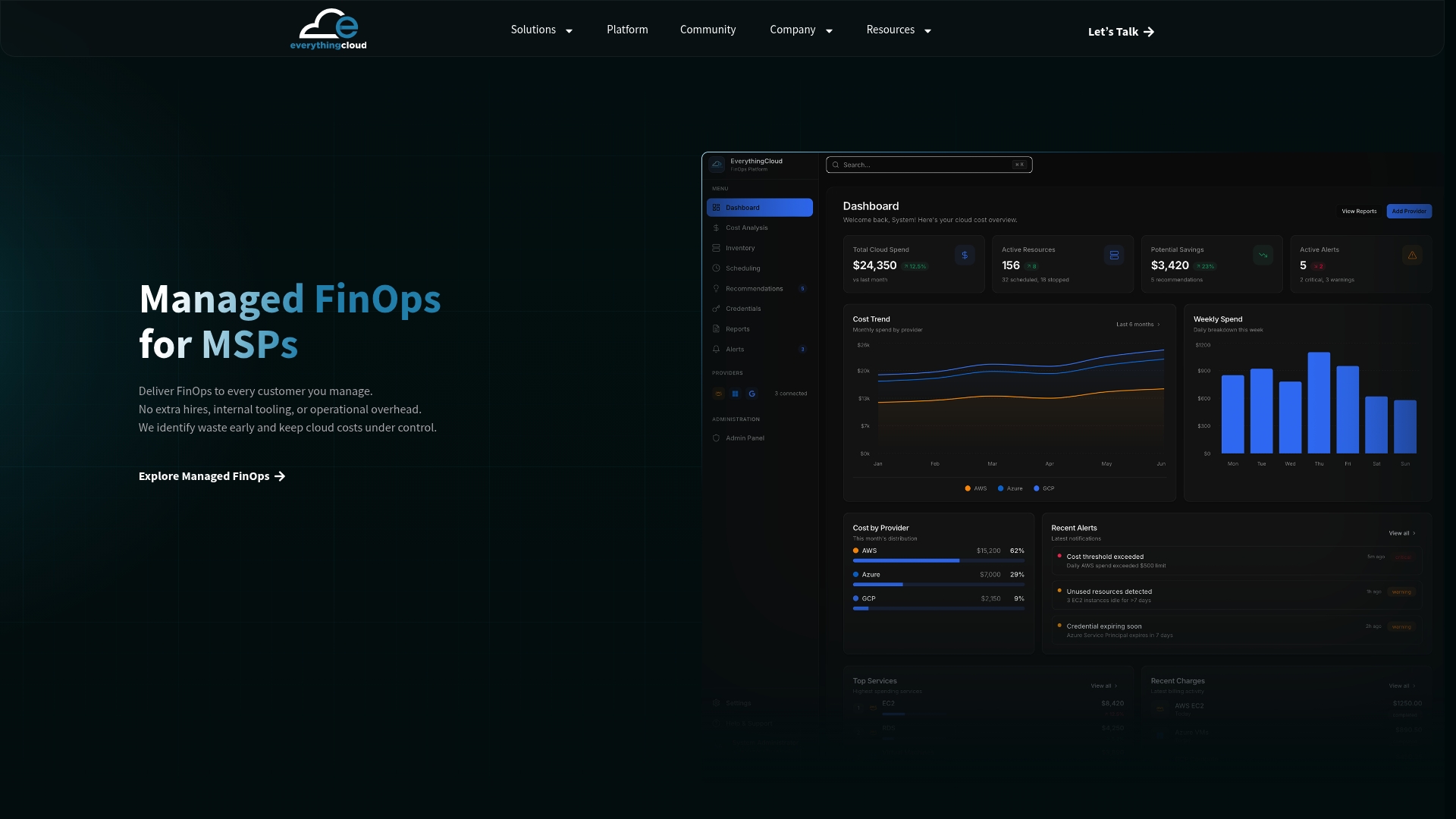
The platform tracks reservation utilization, flags anomalies in GPU and token consumption, and runs rightsizing actions continuously, so the forecasting and buffer-sizing work described above doesn’t depend on a quarterly spreadsheet review. For organizations already running AI workloads at scale, the Continuous Cloud Optimization service applies this monitoring and automation directly against your AWS, Azure, Google Cloud, and AI infrastructure spend, with savings verified against actual invoice-level billing.
If you’re an MSP or technology partner looking to offer managed GPU and AI cost optimization to your own clients without building the tooling from scratch, the Founding Partner Membership at $500 per month gives you a turnkey path to launch that service. Explore the Managed FinOps offering to see how the execution layer works, or reach out through the platform overview to start a conversation about your current GPU spend.
Sources
- How to reduce KV cache bottlenecks with NVIDIA Dynamo
- Pollux: Co-adaptive cluster scheduling for goodput-optimized deep learning
FAQ
How Do You Measure GPU Capacity?
GPU capacity is measured through goodput, useful throughput adjusted for retries and SLO violations, rather than raw utilization percentage. Combine per-replica goodput with memory footprint (weights, activations, KV cache) and concurrency data to get an accurate picture of usable capacity.
What Are the Three Types of Capacity Planning?
Most frameworks describe lag, lead, and match strategies: lag adds capacity after demand rises, lead adds it ahead of forecasted demand, and match adjusts incrementally as demand shifts. For GPU infrastructure specifically, this maps to a core-and-flex model where reserved baseline capacity leads steady demand and cloud elasticity matches bursts as they occur.
What Requires More GPU Capacity, Training or Inference?
It depends on scale and traffic pattern rather than a fixed rule. Large training runs demand concentrated, topology-sensitive GPU clusters for a fixed window, while production inference at high user volume often requires more total GPU-hours sustained continuously, with KV cache and cache hit rate driving the real capacity ceiling rather than raw GPU count.
What Is the Best Tool for GPU Capacity Planning?
There isn’t one universal tool. Effective planning combines workload benchmarking, a fragmentation-aware scheduler, and a forecasting layer that decomposes demand by tenant and model family. Platforms like Everythingcloud add continuous monitoring and automated rightsizing on top of that foundation, closing the feedback loop between forecast and actual spend.
How Far in Advance Should You Reserve GPU Capacity?
Guaranteed capacity at scale often requires multi-week reservation lead times with cloud providers, so your forecast needs to extend at least that far ahead. Size committed reservations against your P50 to P75 demand and use on-demand or spot capacity to cover anything above that band.