
MSP billing reconciliation is the monthly check that what you buy from vendors and distributors, what your contracts say you can bill, and what you actually invoiced all agree, client by client. Done before invoices go out, it catches seats you pay for but never billed, price increases you never passed on, and credits you promised but never applied. Done after, it becomes a collections and credit-note problem.
This guide walks through what to compare, a monthly sequence you can run, why mismatches happen, and where automation helps. It also covers the cloud layer, where usage-based charges make reconciliation harder than counting seats.
TL;DR
- Reconcile three things per client: vendor cost, agreement terms in your PSA, and the invoice you are about to send.
- Use line-item exports, not invoice PDFs. Map every tenant to a client and every vendor SKU to a billable product.
- Finish before invoices are generated. Start three to five working days ahead and name one owner.
- Review exceptions and changes since last month, not every unchanged line.
- Cloud and usage-based charges need continuous monitoring. A once-a-month count will not keep up.
Table of Contents
- What billing reconciliation means for an MSP
- What to compare
- A monthly sequence that works
- Why mismatches happen
- Cadence and controls
- Automating without losing control
- The cloud layer: where seat counting stops working
- How EverythingCloud fits
- A short checklist to start this month
- FAQ
- Sources
What billing reconciliation means for an MSP
The core idea is simple: check that what you buy, what you agreed to bill and what you invoiced line up for each client, every month. The difficulty is that these facts live in different systems. Your PSA holds agreements, products and time entries. Your accounting system holds the ledger. Your distributor or vendor portals hold what you are being charged. The recurring billing environment connects the PSA, the payment platform, accounting and the bank, and a gap in any link shows up as lost margin.
Two distinctions keep the work honest.
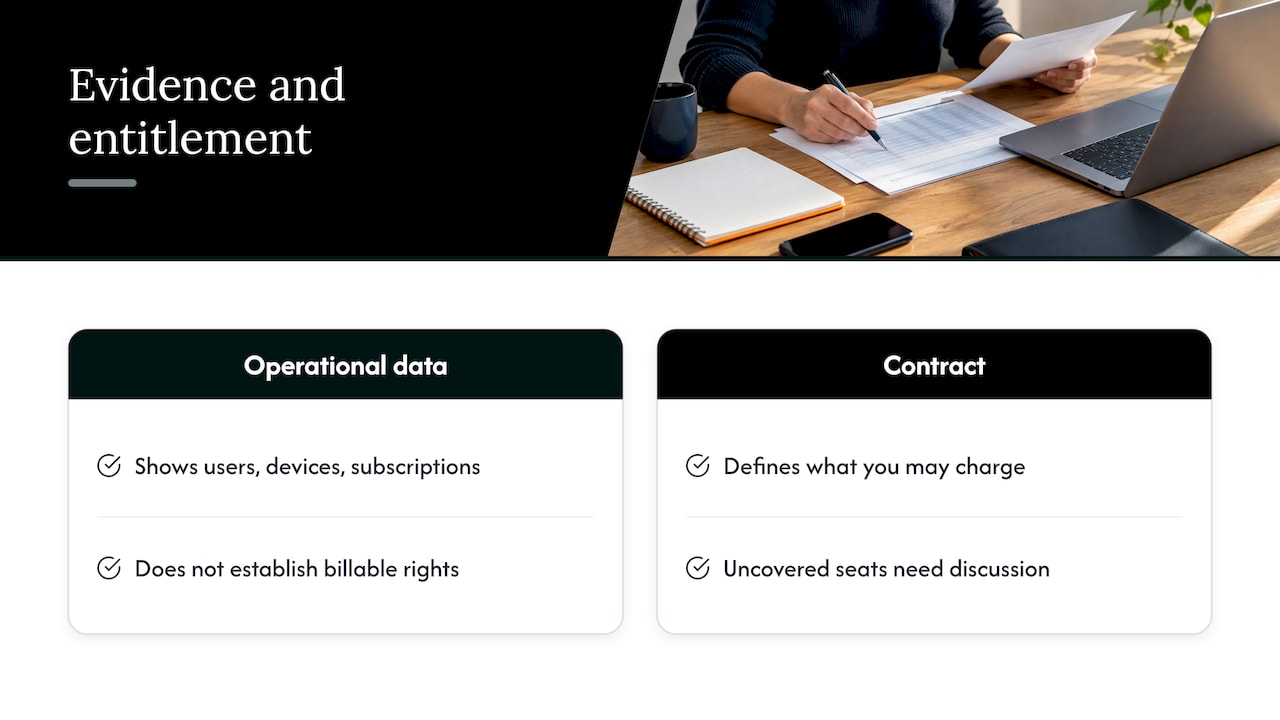
First, evidence versus entitlement. Operational data shows what appears to exist: users, devices, subscriptions. The contract decides what you may charge for. A seat that exists but is not covered by an agreement is a conversation, not an automatic invoice line.
Second, a difference is not always an error. A unit-cost variance may reflect a price change you agreed to. An unmatched item may only need its product mapping fixed. Find the cause before you choose the correction.
What to compare
Start with data you can trust. Pull detailed distributor or marketplace exports instead of invoice PDFs. The minimum fields are customer or tenant, SKU, quantity, unit cost, charge period and line type, such as new charge, proration or credit. From your PSA, export the same period with company, product, quantity, unit price and billed amount.
Then run the comparison as a set of pairings.
| Compare this | Against this | What it catches |
|---|---|---|
| Distributor or vendor charges | PSA agreement quantities | Seats paid for but not billed |
| PSA agreement quantities | Client invoice lines | Invoice drift, missing lines |
| Billed per-user licenses | Active users in the directory | Starters and leavers not prorated |
| Billed devices | RMM agents | Retired or unmanaged devices still billed or never billed |
| Vendor unit cost | Client unit price | Price increases not passed through |
| Last month’s quantity | Current quantity | Unexplained movement |
A useful three-way match for seat-based services is vendor invoice quantity, last month’s billed quantity and the current contract quantity in the PSA. When the three agree, move on. When they do not, you have an exception worth an owner and a note.
Four records tell the full story for any service: the usage or source record, the subscription quantity and period, the resulting invoice lines, and the payment or open balance. If you can trace a charge through all four, it is reconciled. If you cannot, it is not.
A monthly sequence that works
The sequence below blends the common steps from published MSP checklists. Adapt the timing to your invoice date.
Step 1: Set the window and the owners
Start three to five working days before invoicing. Confirm the invoice date, the client population, who prepares and who approves. A single named owner for reconciliation matters more than any tool. Without one, everyone assumes someone else checked.
Step 2: Collect and normalize
Gather vendor, distributor, CSP, backup and security invoices, plus PSA quantities. Normalize SKU names and quantities so that the same product is not described three ways. Map tenant IDs and distributor customer names to PSA clients. Name mismatches are one of the most common reasons a charge looks orphaned.
Step 3: Review agreement changes first
Before matching quantities, confirm what changed in contracts: additions, cancellations, renewals, price changes and agreements ending. Update PSA services, quantities, unit prices and effective dates from the signed document. Apply the contract’s proration method and check uplift clauses and notice periods. When a service ends, make sure the vendor cancellation happened too.
Step 4: Match client by client, SKU by SKU
Compare vendor quantity and cost with what the agreement expects, then compare expected billing with contract rules. Classify each mismatch. A practical set of categories is unmapped charges, quantities above or below agreement, new or discontinued SKUs, cost increases, below-target client pricing, duplicates, missing approvals and contract conflicts. Keep timing differences open rather than forcing them closed.
Step 5: Resolve, document, lock
For each exception, record the source documents, the variance in units and dollars, the rule it failed, the owner, the decision and the corrective action. An exception is finished only when the decision is authorized, the action is evidenced and any follow-up has an owner. Leave unresolved items visibly unresolved at close. Do not relabel them as matched.
Approve the invoice batch before generating invoices, then review client margin and repeat differences.
Step 6: Review after sending
Credits, disputes and delayed invoices after the run tell you where your process leaked. Log a root cause for each credit note. If the same cause appears twice, fix the upstream step.
Why mismatches happen
Vendor billing rarely lines up with client billing, and the reasons are mundane: vendors bill on usage reported at a different point in the month, license counts change as clients add or remove users, promotional pricing expires and vendors adjust rates.
In practice the same handful of causes keep returning:
- A subscription added in a vendor portal that never reaches the PSA.
- A client cancellation processed on your side but not upstream.
- Mid-month seat additions that wait until the next cycle to be billed.
- Vendor price increases that nobody passes to the client rate.
- Credits you promised that were never applied.
- Late prorations or credits from the distributor.
- Duplicates and name mismatches between systems.
Look one level up and you will often find a workflow problem rather than a bookkeeping one. Technicians buy outside the PSA. Project work never hands off to a recurring agreement. Fixing the correction each month treats the symptom. Fixing the handoff stops the leak.
Cadence and controls
Monthly reconciliation is the floor, not the ceiling. Several checks belong on a faster or slower rhythm.
| Frequency | What to check |
|---|---|
| Daily | Missing time notes, unsubmitted time, misassigned tickets |
| Weekly | Labor exceptions, high-dollar expenses, received products, agreement changes |
| Monthly, before invoicing | Seats, devices and license counts, prorations, credits, vendor price drift, negative-margin items |
| Quarterly | Projects, uplifts, contract dates, integration permissions |
| After invoicing | Credits, disputes, delayed invoices, recurring patterns |
The weekly and quarterly layers exist because annual-only review is too late for many recoveries. Track a few numbers so you know whether the process is improving: how much revenue leaked as a share of billings, how long reconciliation takes, and whether the count of corrections is falling over time.
Also put validation in the billing cycle itself. ConnectWise advises treating billing validation as a standard step that reconciles agreements with software licenses, recurring services, vendor invoices and usage before invoices are generated, and reviewing approved tickets, projects, products, expenses and time entries first. Handle exceptions through one consistent process so an unusual charge does not hold up the whole batch.
Automating without losing control
Manual spreadsheets work at ten clients and break at a hundred. The goal of automation is not to remove people. It is to reserve their attention for the lines that matter.
An exception-led workflow looks like this: collect approved data, normalize identifiers, compare expected and actual values, apply tolerances and business rules, rank exceptions, assign an owner, approve or reject corrections, and record the final action and evidence. A dry-run preview of every invoice, line and total, followed by review of only what changed since last month, lets you skip thousands of unchanged matches.
Be cautious about writing changes automatically. Start read-only. Add narrowly scoped write actions only after the rules are validated, use least-privilege credentials, and log every financial change. For consequential changes, keep a human approval step between the dry run and production.
The cloud layer: where seat counting stops working
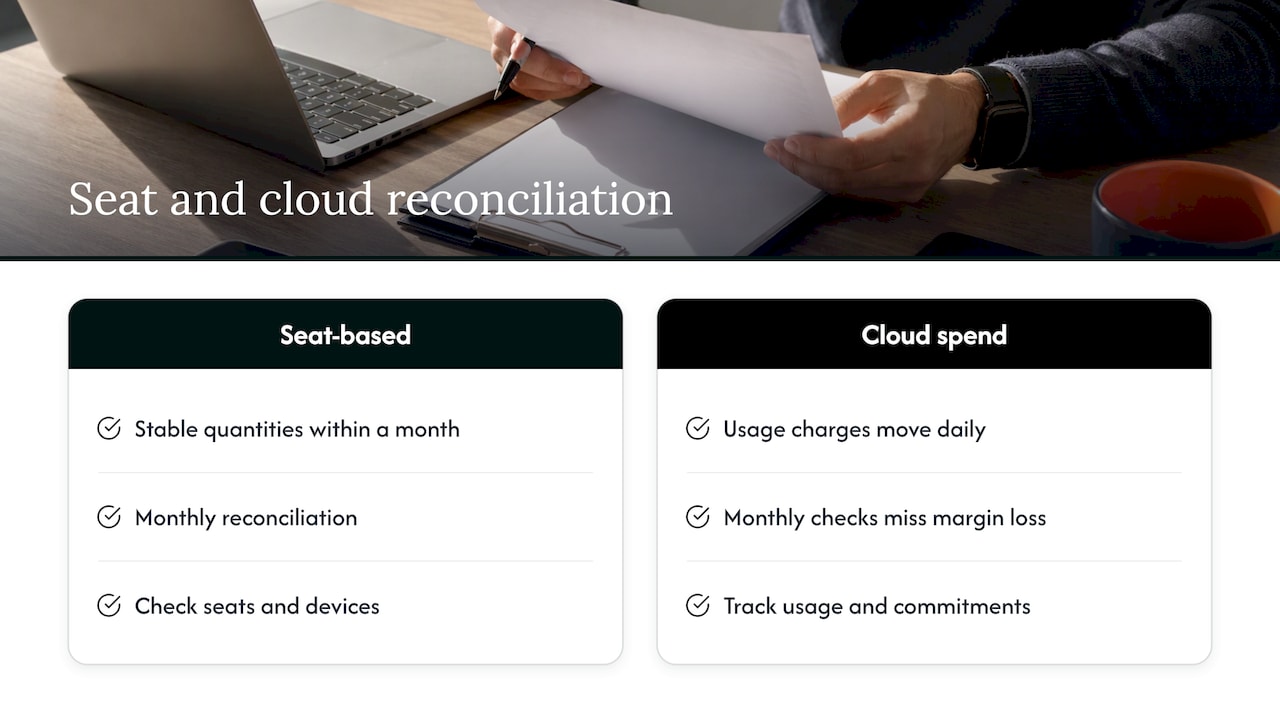
Seat-based reconciliation assumes quantities are stable within a month. Cloud and AI spend are not. AWS, Azure and Google Cloud charges move daily with usage, commitments and reserved instances, and each provider reports them in a different shape. When those charges are resold or managed, a once-a-month comparison arrives long after the margin is gone.
This is the problem we see most often with MSPs: a cloud margin leak that compounds quietly because nobody is watching the gap between what the provider charges and what the client is billed. It gets worse with several providers, which is why multi-cloud billing gets ugly fast. Reconciliation here means continuous visibility, allocation of spend to the right client, and commitment management, not just a month-end count.
Perspective
We think most MSPs reconcile the part of the bill that is easy to count and miss the part that moves. Seats and devices get checked. Cloud usage, commitments and reserved instances often do not, because they change faster than any monthly cycle.
Our view is that reconciliation should be continuous and tied to action. A report that lists mismatches still leaves someone to fix them. We built EverythingCloud to automate the execution of optimization actions, not only the recommendations, and to verify savings against invoice-level billing so the numbers hold up when finance asks.
For MSPs, the other half is scale. Multi-tenant delivery needs unified reporting and governance without hiring a person for every new client. That is what turns reconciliation from a monthly chore into a managed service you can charge for.
Dan
How EverythingCloud fits
If your reconciliation already covers seats and licenses, the next gap is usually cloud, SaaS and AI spend. The Platform gives real-time visibility into AWS, Azure, Google Cloud, SaaS and AI spending, with spend allocation, anomaly detection, commitment and reserved instance management, and multi-tenant MSP controls. Our approach is designed to automate optimization actions and to verify savings outcomes against invoice-level billing.
For MSPs that want to offer this to their own customers, the Founding Partner Membership is listed at $500 per month and is built around our “FinOps in a Box” model: launch managed FinOps, cloud optimization, SaaS optimization and AI optimization services without building your own solution.
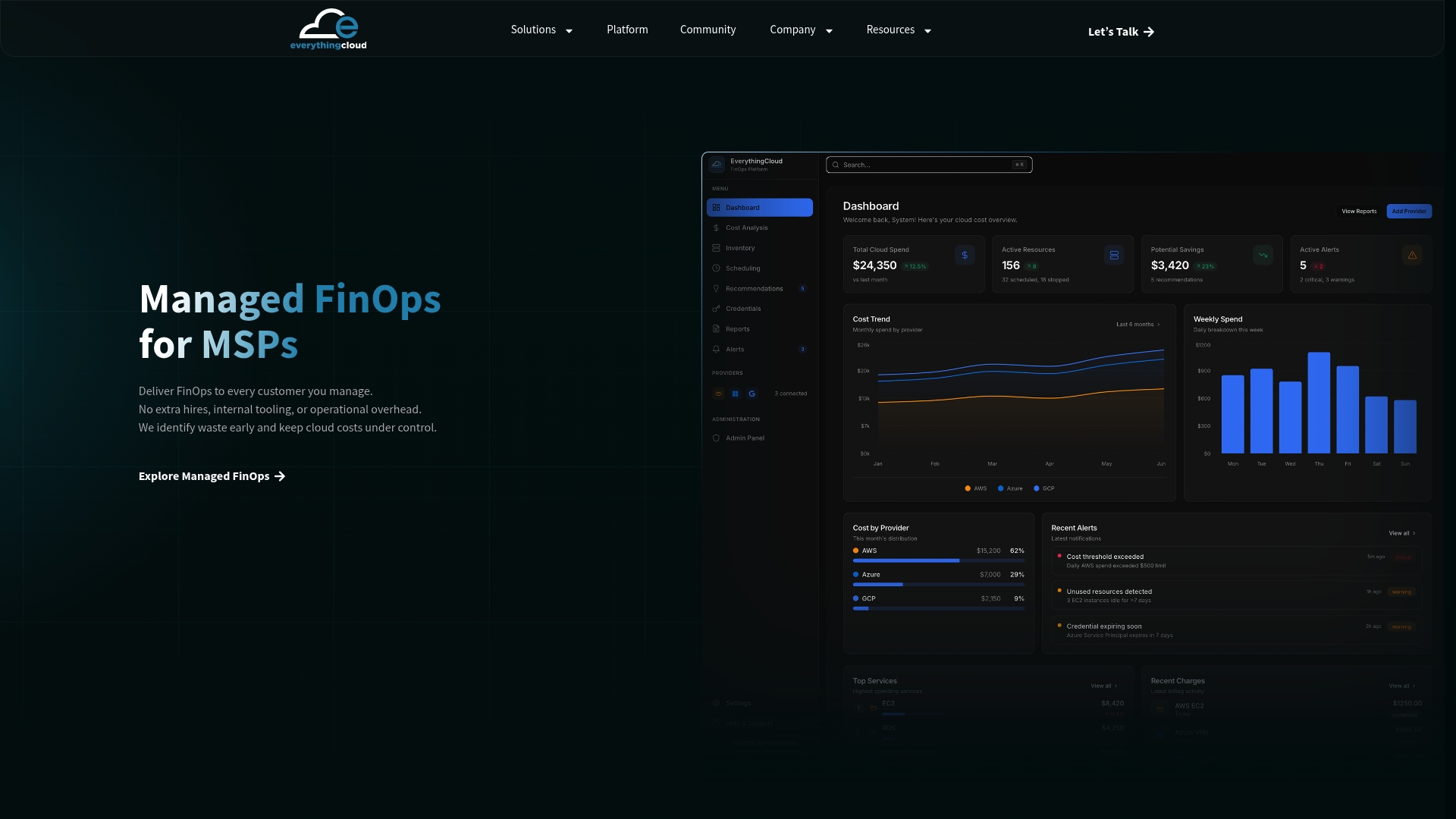
If you would rather hand the work over, see Managed FinOps for MSPs to see how our experts run it with you.
A short checklist to start this month
Pick the ten largest agreements. For each, confirm that seat and device counts match the Microsoft 365 admin center or your RMM, that starters and leavers appear as prorated lines, that every billable out-of-scope ticket has an invoice line, and that pass-through license quantities match the distributor invoice. Then check that each credit note from last month has a root cause logged. It takes an afternoon, and it usually tells you whether a fuller process is worth building.
FAQ
How long should MSP billing reconciliation take?
It depends on client count and how clean your mappings are. One vendor workflow allows roughly 30 to 60 minutes for a typical run once the process is set up. Expect more time in the first months while you fix mappings and name mismatches.
When in the cycle should I reconcile?
Before invoices are generated, never after. Start three to five working days ahead so you have time to resolve exceptions, get approval and lock the period. Reconciling at the end of one cycle and invoicing at the start of the next is another workable pattern.
What is the difference between reconciliation and an audit?
Reconciliation is the recurring monthly match of vendor charges, contracts and invoices. An audit is a deeper look across a longer period, often quarterly, covering contracts, uplifts and projects. You need both: reconciliation prevents new leaks and audits find the older ones.
Can I automate the whole process?
You can automate collection, matching, and ranking of exceptions. Keep human approval for corrections that change what a client pays, and start with read-only access until your rules are proven. Log every change so you can explain it later.
Does this apply to cloud usage billing?
Yes, but the cadence changes. Cloud charges move with usage and commitments, so checking monthly is too slow. Continuous monitoring, allocation to each client and automated optimization keep the gap between provider cost and client billing visible.
Sources
- MSP billing reconciliation overview
- MSP billing software guide: from invoice to reconciliation
- Reconciling distributor invoices
- MSP billing reconciliation checklist template
- What makes MSP billing so complicated
- The MSP billing audit checklist
- MSP billing best practices
- Monthly reconciliation workflow