Storage outlives
the workload.
Disks, snapshots, backups and logs keep billing long after the resources that created them are gone. The first cleanup pass needs evidence—not courage.
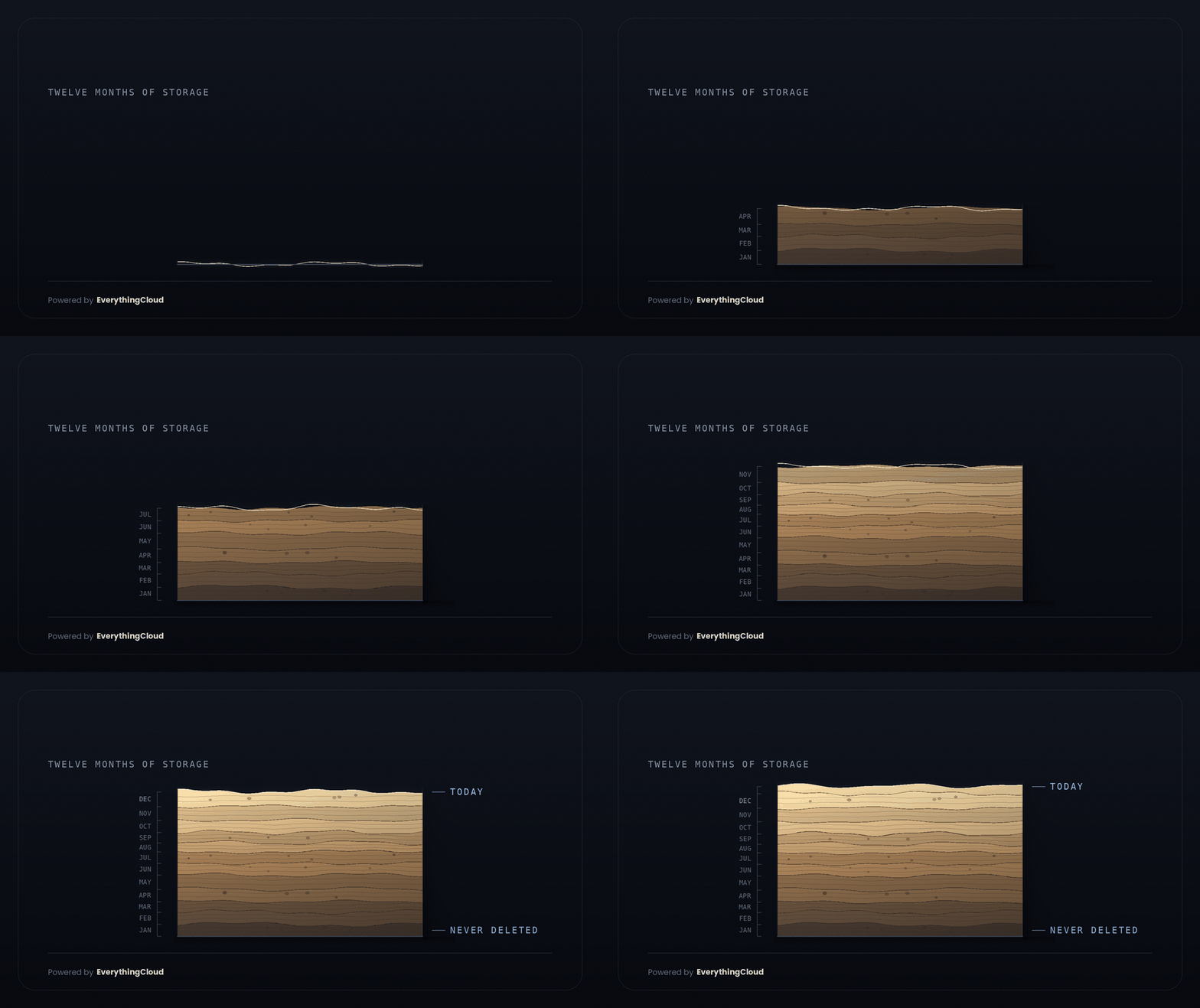
The workload disappears. The storage keeps billing.
Compute is visible: it has a name, an owner and a reason to be questioned. Storage arrives as a side effect, survives the resource that created it and compounds quietly until somebody treats the backlog as a project.
The compounding rule: the parent resource can disappear while every storage layer it produced continues across future invoices.
Residue detectedEvery other line has a mechanism that occasionally pushes it down. Storage needs an explicit decision.
Leaving it costs money. Deleting it feels like risk.
That imbalance makes “another month” the rational default. Storage creation is embedded in normal operations; removal asks somebody to understand what is inside, prove it is no longer needed and own the consequence if they are wrong.
Workloads generate disks, snapshots, backups and logs as part of ordinary provisioning.
Removal needs context, evidence, approval and a named owner willing to make the call.
Start with evidence, not opinions.
No courage required. No judgement call hiding in the work.
Treat storage residue as a project, not a tidy-up.
Clear the objective backlog first. Then address the smaller set of judgement calls with owners, evidence and expiry dates. Finally, change the defaults so new storage arrives with a lifecycle instead of becoming the next backlog.
Managed FinOps turns recommendations into an owned operating process.
A Recommendation Is Not a Result
Most platforms stop at the finding. Someone has to own what happens next
Without Ownership:
- Findings sit in a queue with no owner
- Alerts arrive without a next step
- Savings get counted the moment they are spotted
- The same waste returns next month
With Managed FinOps
- Findings arrive as tickets with an owner
- Low risk reversible actions run on approval
- Larger changes route to the MSP or escalate to us
- Savings count once a later invoice confirms them

Run Managed FinOps at Scale
Launch faster. Reduce operational overhead. Scale across customers.
Reduce
Skip the cost of recruiting, training, and retaining a dedicated FinOps team.
Earn
Go live in weeks and bill FinOps as a service rather than carrying it as cost.
Scale
Add customers without adding headcount or delivery complexity.